 WorkShift HQ
Salon & spa workflow
Salon and spa availability and coverage
Plan front-desk and service coverage, check availability and review the schedule before publishing.
Coordinate availability, coverage and schedule changes in one workspace.

Scenario
Imagine a small salon and spa with a front desk, stylists, and spa practitioners. Its manager plans recurring service hours and needs to see who can work before assigning shifts. The business uses configured opening hours and minimum staffing targets to make the calendar reflect its own operating pattern.
Challenge
The manager is balancing individual availability, time-off requests, positions, and the anticipated flow of appointments. A blank calendar alone will not reveal those constraints, and an appointment is not itself a staff shift.
The challenge is to bring relevant planning information together without implying that an app can decide how many qualified people a service requires.
Industry workflow
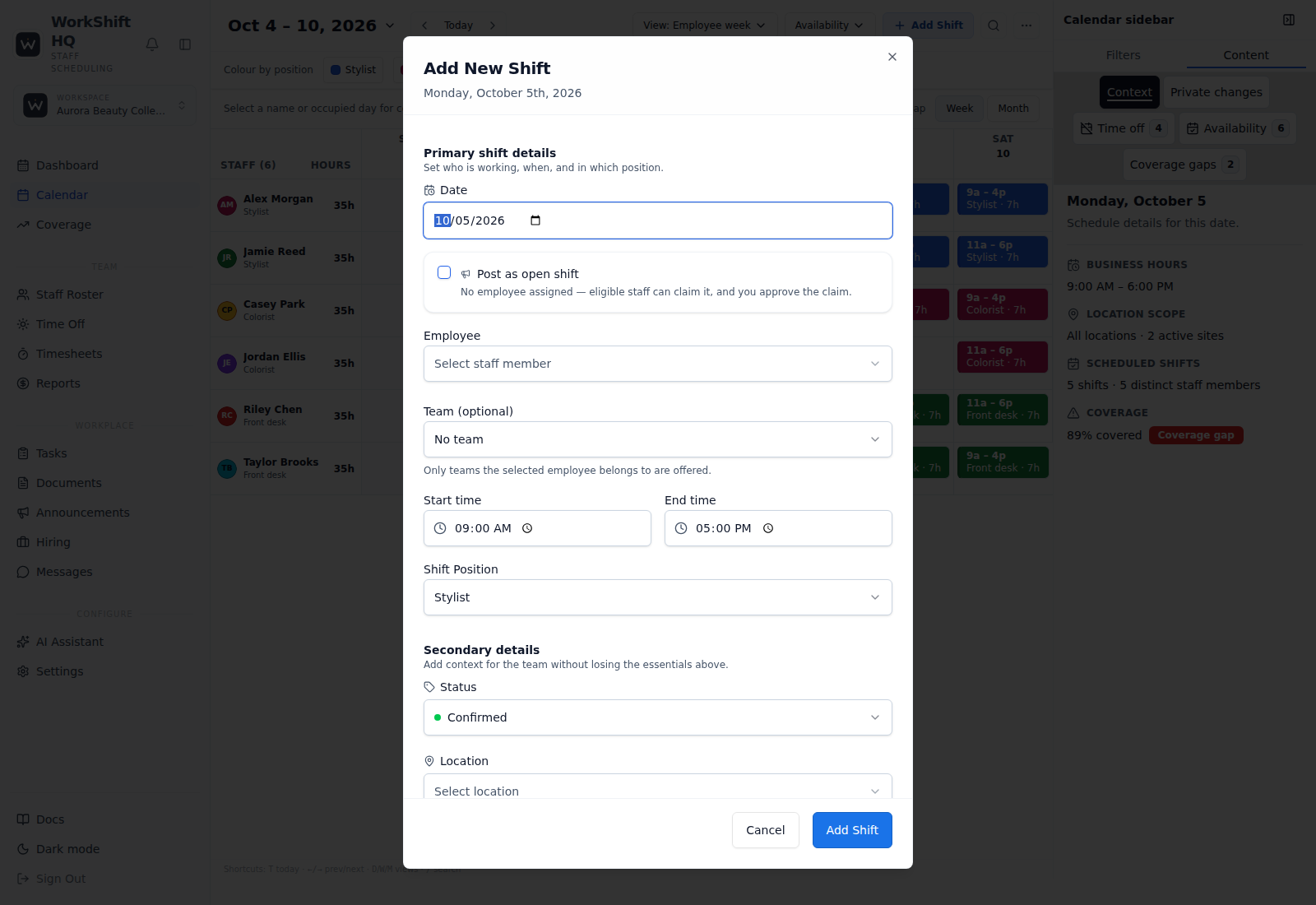
The manager collects regular availability and reviews pending time-off requests before building the next schedule. Shifts are assigned by date, position, employee, and location. A known conflict warning or unmet target prompts review, and the manager makes the final staffing decision.
If the business has completed Square Appointments onboarding, has granted the required read scopes, and the connection is configured, Square appointment demand can be viewed beside shifts as a read-only overlay. The connection does not write appointments back to Square.
Capabilities in scope
WorkShift HQ supports a visual schedule, configured positions and locations, availability and time-off workflows, coverage targets, and conflict warnings. Square appointment visibility is read-only, requires completed Square Appointments onboarding and read scopes, and can be mapped to WorkShift HQ locations and staff.
The manager can then share personal schedules by email, portal, staff app, or private calendar feed. Staff can review the schedule and submit requests through the tools available to their account.
Challenge → workflow → benefit
Staff submit availability and time off; the manager builds shifts by position and location, reviews warnings, and publishes. Planning information stays with the calendar.
Limitations and next step
The manager still evaluates service demand, qualifications, fairness, and local requirements. Appointment visibility does not expose client contact information or alter Square bookings.
For a real business, review plan limits and configure the schedule with its own staff. Salon is the tier that supports multiple locations; Solo and Studio cover one location each.
Coordinate availability, coverage and schedule changes in one workspace.
Try WorkShift HQ with your own team
Build a schedule, share it with your staff, and keep an eye on hours in one place.