 WorkShift HQ
Product tour · No account required
See the WorkShift HQ scheduling workflow | Product tour
Follow the manager workflow from the weekly calendar through coverage review and workspace-wide publication, then see the result in the staff portal. This public tour is read-only.

1. Build your schedule
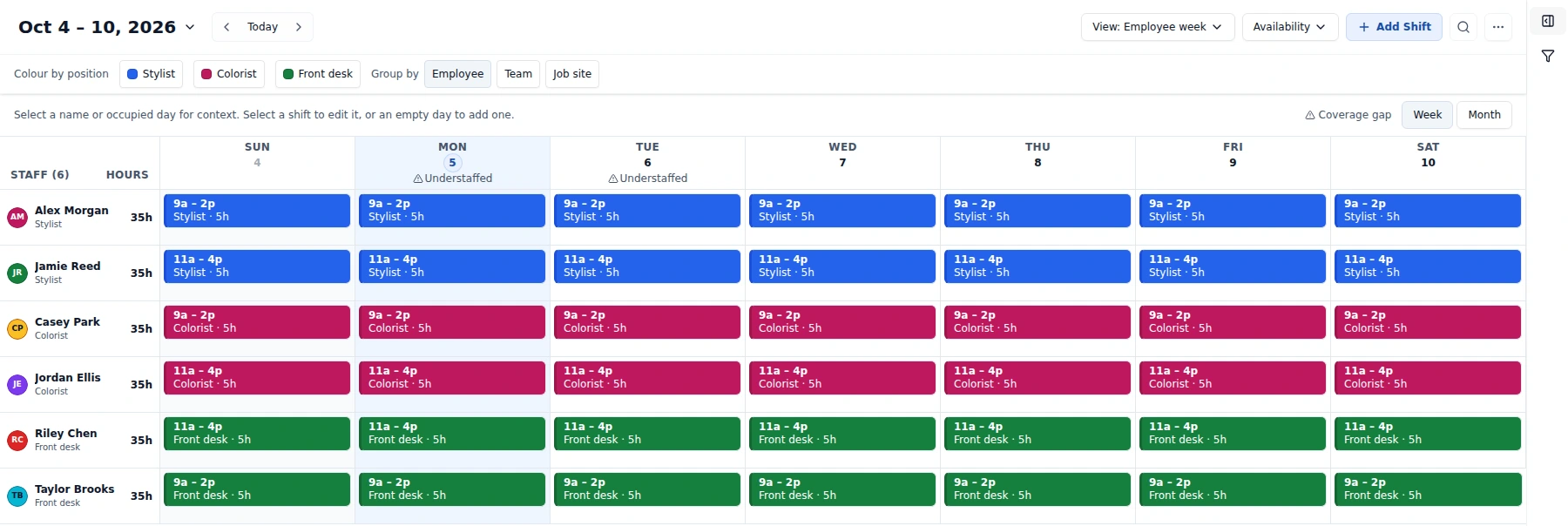
The manager plans the week by employee and position, with location, business hours, availability, and approved time off in view. Saved schedule changes stay private while the manager works.
Enlarge the manager calendar to inspect employee rows, shifts and coverage indicators.
2. See where coverage is missing
For an open period against a configured position target, Find people lists active staff who are available and have no conflicting shift in that exact window.
Choosing a person opens the shift form for manager review. It does not assign the person or save a shift.
3. Review and publish
The manager adds or adjusts the proposed shift, then opens Review changes to inspect the full workspace plan. Publish all changes releases changes across the workspace; it is not limited to the visible week, filters, or one shift.
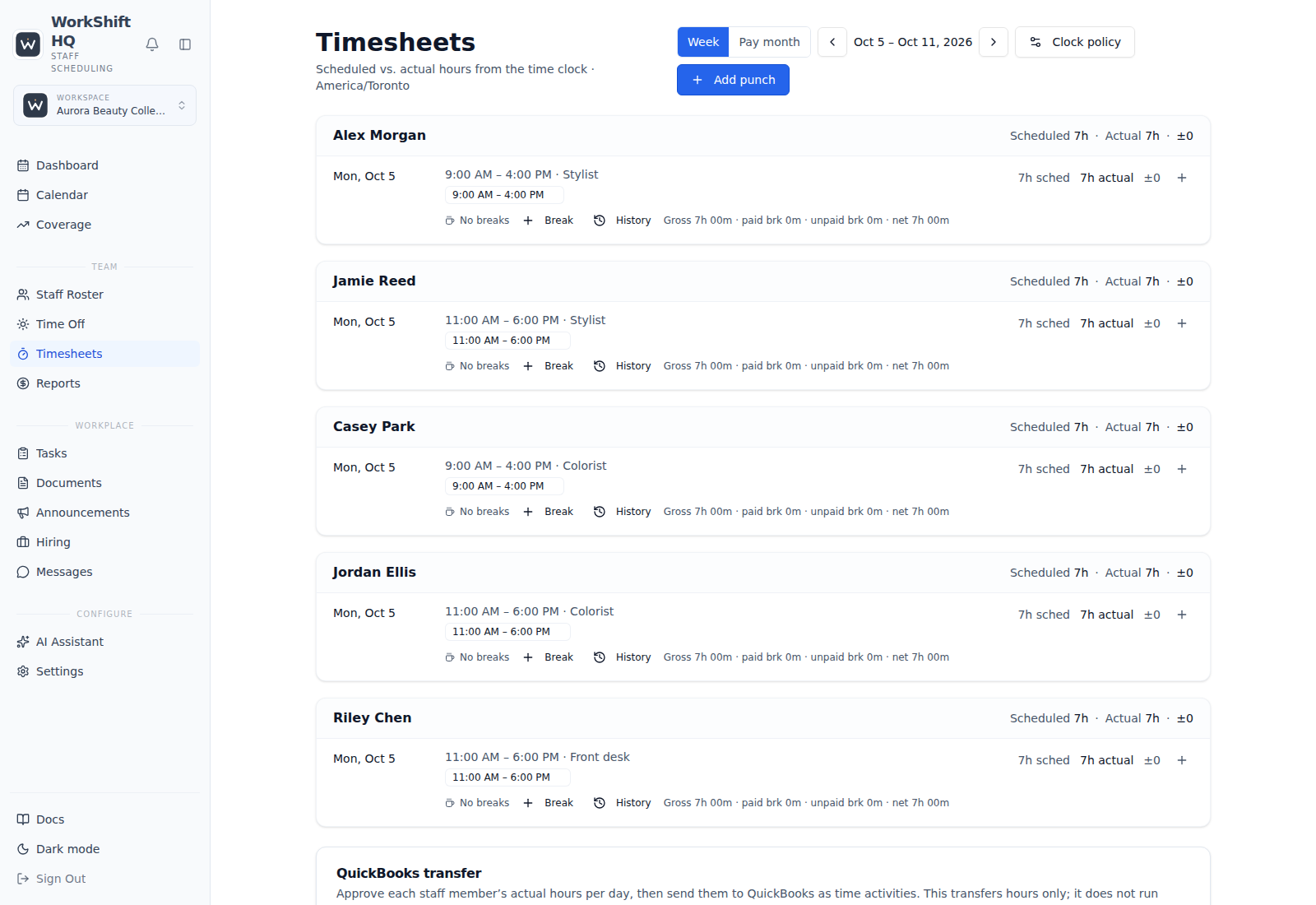
When enabled, scheduled-hours warnings are optional, workspace-configured advice. They are separate from the hard maximum-hours limit; neither is a universal threshold or a payroll, overtime, or legal-compliance calculation.
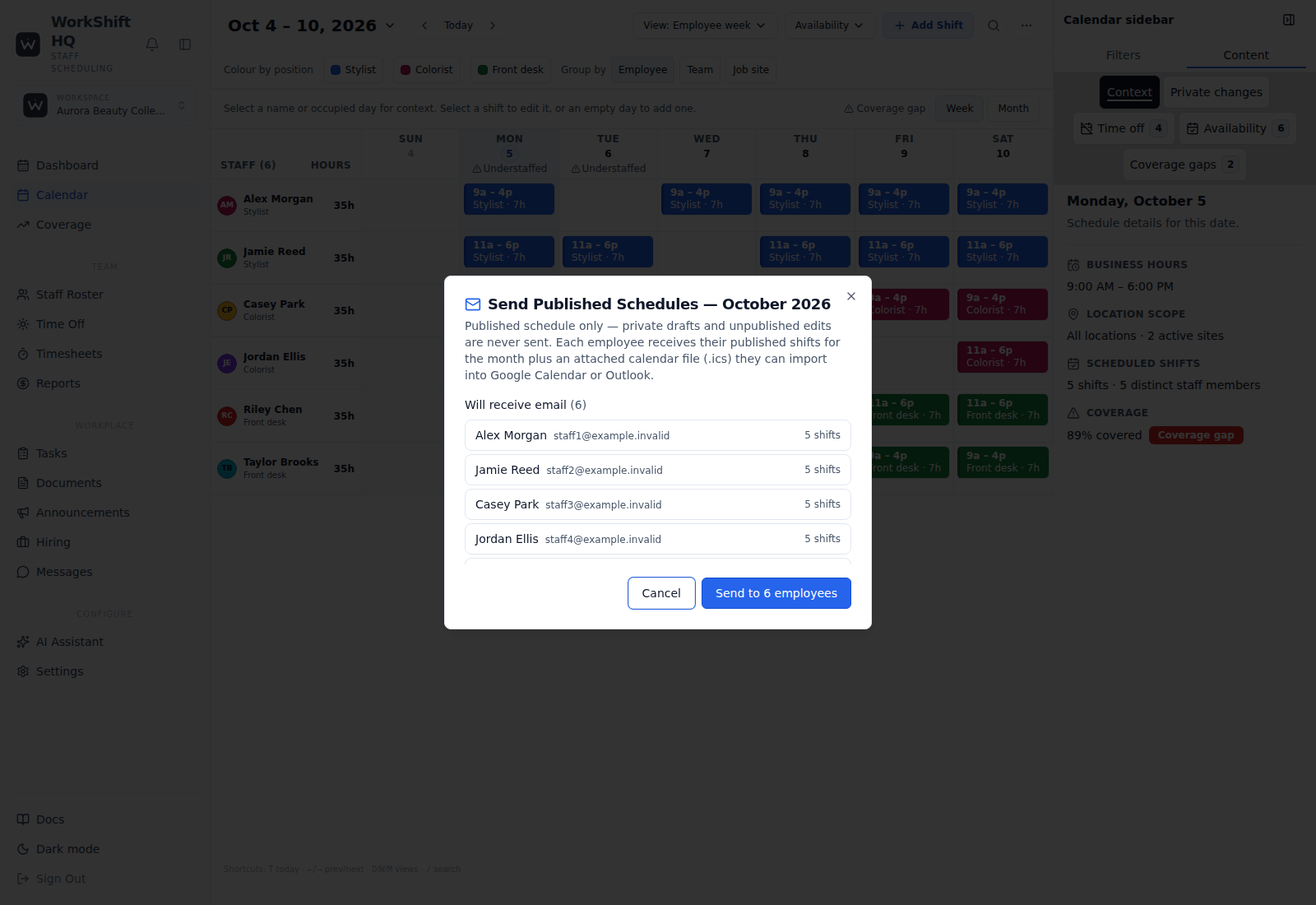
Publishing is separate from emailing the published schedule. Managers can review recipients and send schedule emails as a separate step.
4. Keep everyone informed
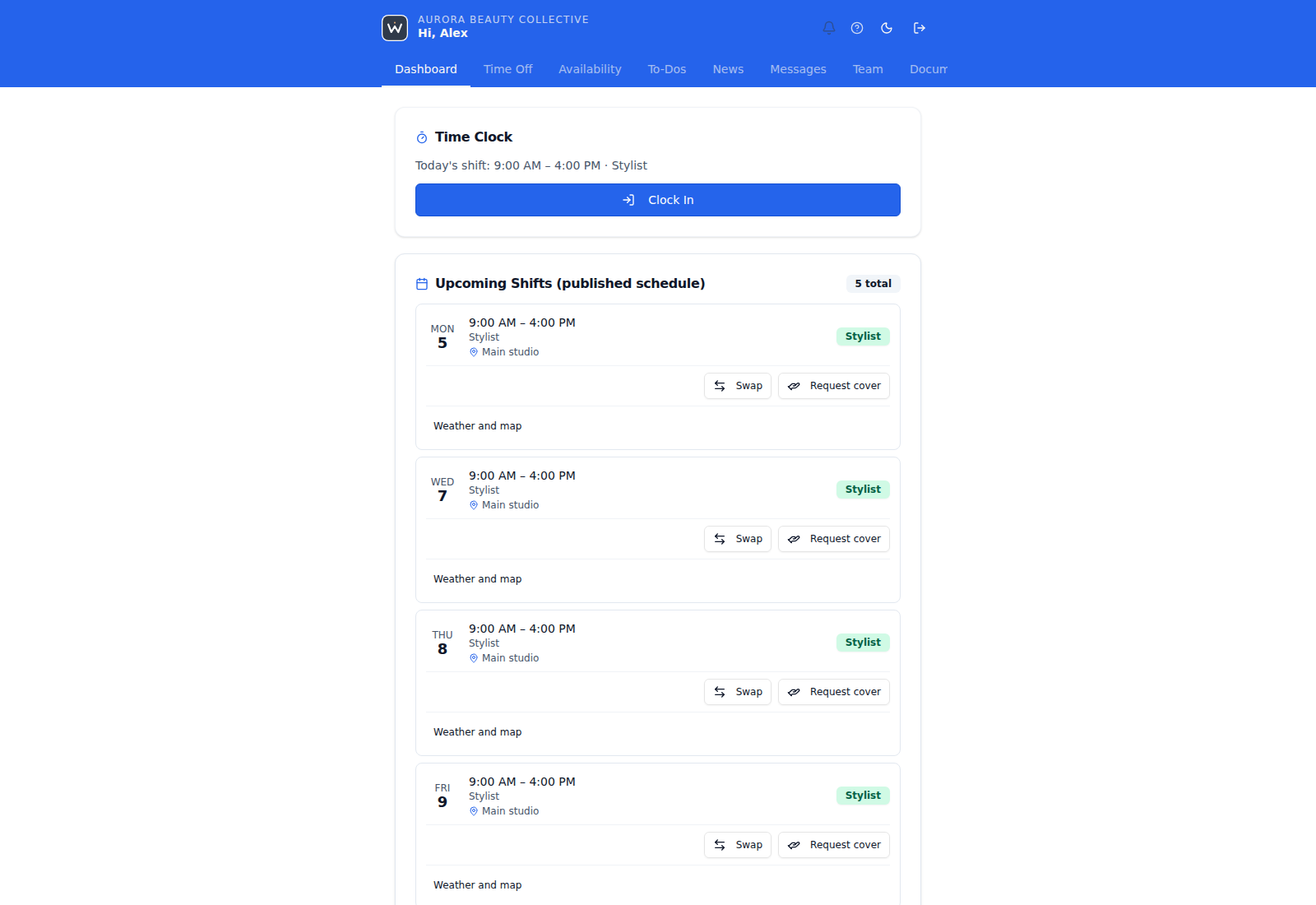
The staff portal shows published shifts. Staff see the published result, not the manager’s private draft.
A companion WorkShift HQ Staff app is built for iOS and Android, but public app-store availability is not confirmed here. Staff can also use the browser portal; personal ICS feeds and schedule emails are separate ways to follow shifts.
Try WorkShift HQ with your own team
Build a schedule, share it with your staff, and keep an eye on hours in one place.